mirror of
https://github.com/photoprism/photoprism.git
synced 2026-03-02 22:57:18 -05:00
Category: Improve photos and video UX #1649
Labels
No labels
ai
android
api
auth
awesome
bug
bug
ci
cli
config
database
declined
deprecated
docker
docs 📚
documents
duplicate
easy
enhancement
enhancement
enhancement
epic
faces
feedback wanted
frontend
hacktoberfest
help wanted
idea
in-progress
incomplete
index
invalid
ios
labels
live
live
low-priority
macos
member-feature
metadata
mobile
nas
needs-analysis
no-coding-required
no-coding-required
observability
performance
places
please-test
plus-feature
priority
pro-feature
question
raspberry-pi
raw
released
released
released
research
resolved
security
sharing
tested
tests
third-party-issue
thumbnails
upgrade
upstream-issue
ux
vector
video
waiting
won't fix
won't fix
No milestone
No project
No assignees
1 participant

Notifications
Due date
No due date set.
Dependencies
No dependencies set.
Reference
starred/photoprism#1649
Loading…
Add table
Add a link
Reference in a new issue
No description provided.
Delete branch "%!s()"
Deleting a branch is permanent. Although the deleted branch may continue to exist for a short time before it actually gets removed, it CANNOT be undone in most cases. Continue?
Originally created by @dmitry-brazhenko on GitHub (Dec 26, 2022).
Describe what problem this solves and why this would be valuable to many users
Describe the solution you'd like
Sreens:
Right bar with photo details example from google photos:
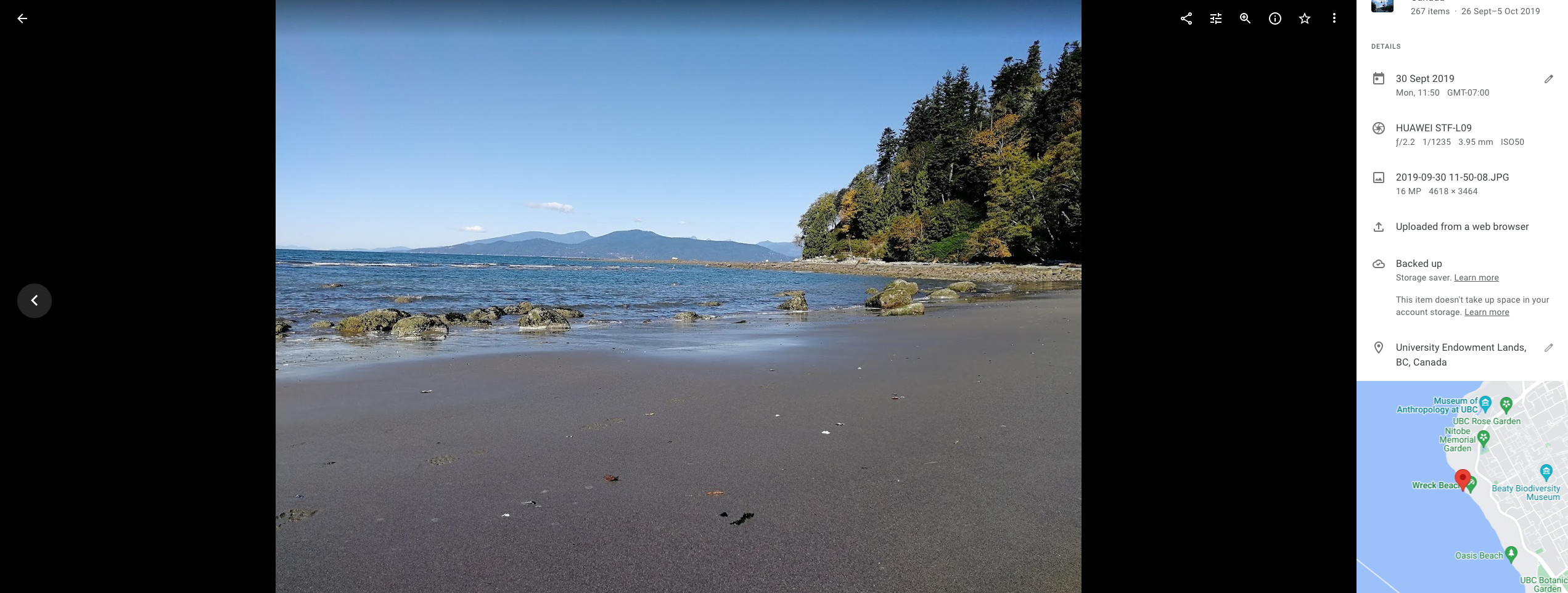
I would be happy to see such in Photoprism
"Problem" with video preview.
How it works in photoprism now
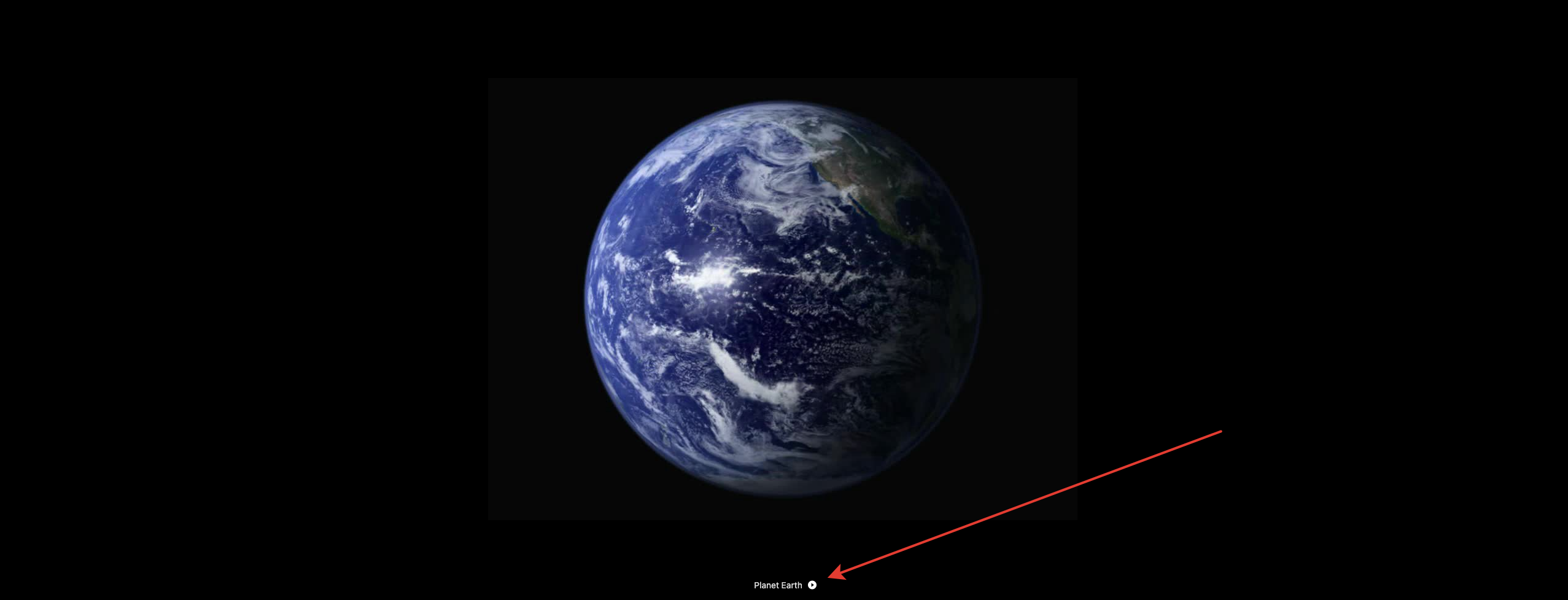
step 1:
step2:

new window appears
and if i press "left" or "right" nothing will happen.
I would like to make it similar to google photos, where video is inlined and i can press left/right button to jump to the next/previous media file
@dror3go commented on GitHub (Dec 28, 2022):
Is that a duplicate of #1307?
@dmitry-brazhenko commented on GitHub (Dec 29, 2022):
Generally, seems yes . But probably we can save some details such as 'show photo location' in the preview
@graciousgrey commented on GitHub (Dec 30, 2022):
I will close this one as duplicate of #1307. @dmitry-brazhenko feel free to add your screenshots to the mentioned issue :)